Interactive product explorer
The parts catalog your customers can actually navigate.
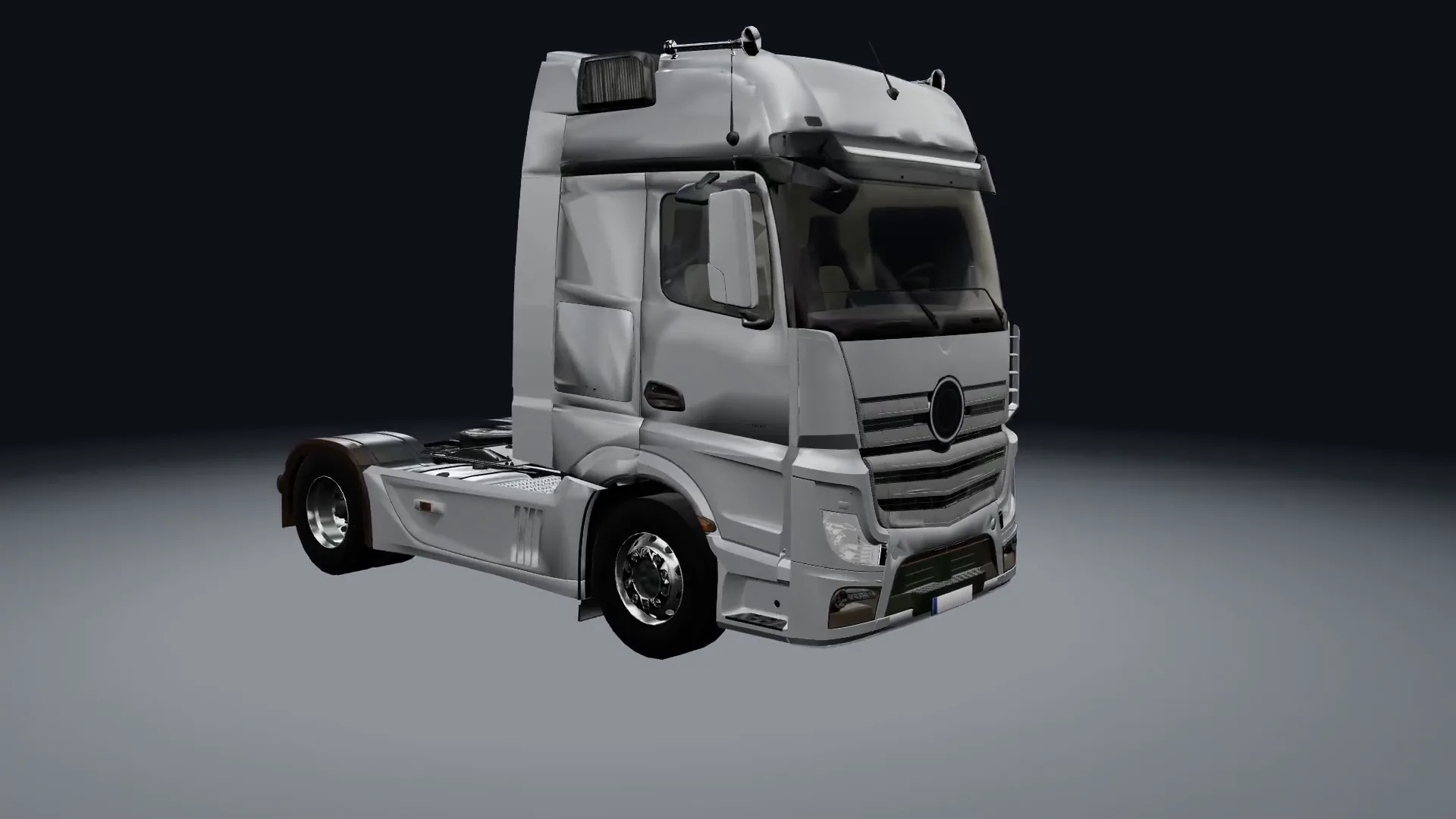
Select the truck, pick the part, open its sub-components with their codes. A 3D catalog for distributors, dealers and counter staff who sell from a parts list today.
What it does
From a PDF parts list to a model you can open.
- 01
Select the vehicle
Model, year and variant narrow the catalog to the parts that fit.
- 02
Pick the part on the model
Click the assembly on the 3D view or search it by name or code.
- 03
Open the sub-components
Every sub-part with its code, quantity and compatible alternatives.
- 04
Send the list
The picked parts go out as a quote request or into your order system.
How it works
Truck → part → sub-components, in three clicks.
The catalog runs in the browser on any device; models load progressively, so the first part is open in seconds even on a phone at the counter.
Sample data
Contact
Have a parts list and a few models?
Tell us what you sell and how your customers order today. We will come back with what the catalog would look like on your own parts.